 03340aee71
* stabilize table column widths with fixed layout (PM-31163)

Add layout="fixed" and explicit width classes to report tables to prevent
column widths from shifting during virtual scroll.

Files changed:
- weak-passwords-report.component.html
- reused-passwords-report.component.html
- exposed-passwords-report.component.html
- inactive-two-factor-report.component.html
- unsecured-websites-report.component.html

* use auto width for name column to fix width calculation (PM-31163)

  Remove tw-w-1/2 from name column headers. With layout="fixed", the
  explicit percentages didn't sum to 100%, causing inconsistent column widths.

  Before: | 48px | 50% | 25% | 25% | = 48px + 100% (overflow)
  After:  | 48px | auto | 25% | 25% | = columns sum correctly

  Name column now uses auto to fill remaining space.

* render headers in Admin Console to fix column widths (PM-31163)

  Admin Console reports had a very wide icon column because no headers were
  rendered. Without headers, table-layout: fixed uses data row content to
  determine column widths, causing inconsistent sizing.

  Root cause:
  Three reports had their entire <ng-container header> block inside
  @if (!isAdminConsoleActive), so when isAdminConsoleActive=true (Admin
  Console), no headers were rendered at all.

  Before (broken):
    @if (!isAdminConsoleActive) {
      <ng-container header>        <!-- Entire header skipped in Admin Console -->
        <th>Icon</th>
        <th>Name</th>
        <th>Owner</th>
      </ng-container>
    }

  After (fixed):
    <ng-container header>          <!-- Always render headers -->
      <th>Icon</th>
      <th>Name</th>
      @if (!isAdminConsoleActive) {
        <th>Owner</th>             <!-- Only Owner is conditional -->
      }
    </ng-container>

  This matches the pattern already used by weak-passwords-report and
  exposed-passwords-report, which were working correctly.

  Files changed:
  - unsecured-websites-report.component.html
  - reused-passwords-report.component.html
  - inactive-two-factor-report.component.html

  Result:
  - Admin Console now renders headers with correct column widths
  - Icon column is 48px (tw-w-12) as expected
  - Owner column properly hidden in Admin Console view

* truncate long item names to prevent column overflow

- you can hover cursor for tooltip to see full name
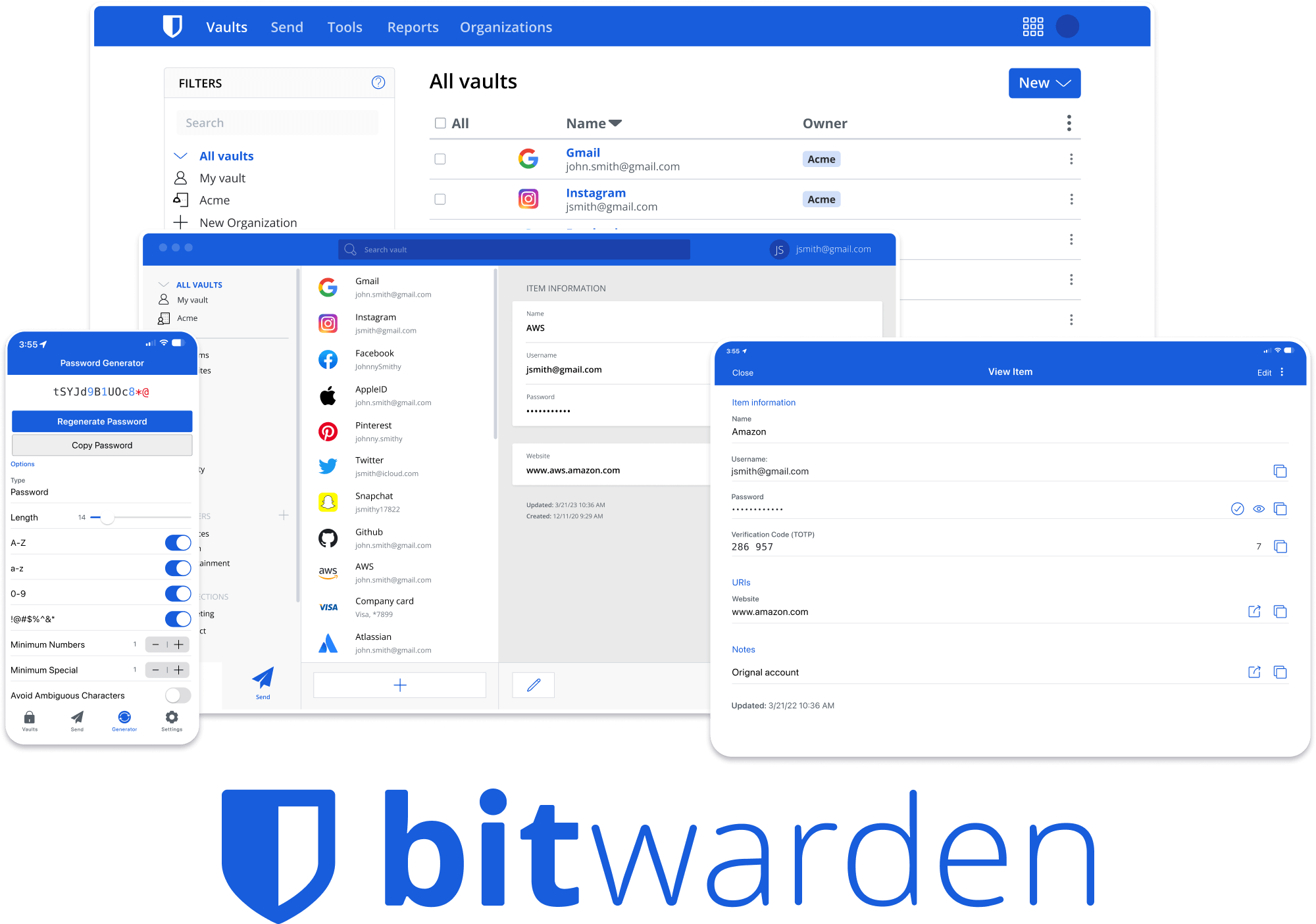





Bitwarden Client Applications
This repository houses all Bitwarden client applications except the mobile applications (iOS | android).
Please refer to the Clients section of the Contributing Documentation for build instructions, recommended tooling, code style tips, and lots of other great information to get you started.
Related projects:
- bitwarden/server: The core infrastructure backend (API, database, Docker, etc).
- bitwarden/ios: Bitwarden iOS Password Manager & Authenticator apps.
- bitwarden/android: Bitwarden Android Password Manager & Authenticator apps.
- bitwarden/directory-connector: A tool for syncing a directory (AD, LDAP, Azure, G Suite, Okta) to an organization.
We're Hiring!
Interested in contributing in a big way? Consider joining our team! We're hiring for many positions. Please take a look at our Careers page to see what opportunities are currently open as well as what it's like to work at Bitwarden.
Contribute
Code contributions are welcome! Please commit any pull requests against the main branch. Learn more about how to contribute by reading the Contributing Guidelines. Check out the Contributing Documentation for how to get started with your first contribution.
Security audits and feedback are welcome. Please open an issue or email us privately if the report is sensitive in nature. You can read our security policy in the SECURITY.md file.