 9cd08e8a9f
* Wire organization ID into AttachmentsV2Component for org-based ciphers

* Enhance AttachmentsV2Component to accept organization ID for improved handling of org-based ciphers

* Integrate organization ID into VaultComponent for AttachmentsV2Component to enhance org-based cipher handling

* Add unit tests for CipherAttachmentsComponent to validate attachment saving behavior for admins

- Introduced mocks for ApiService and OrganizationService in the test setup.
- Updated tests to check `saveAttachmentWithServer` calls with the correct parameters, including an `isAdmin` flag for admin API usage.

* Fix unit tests for AttachmentsV2Component by adding mocks for ApiService and OrganizationService

* Fix AttachmentsV2Component tests
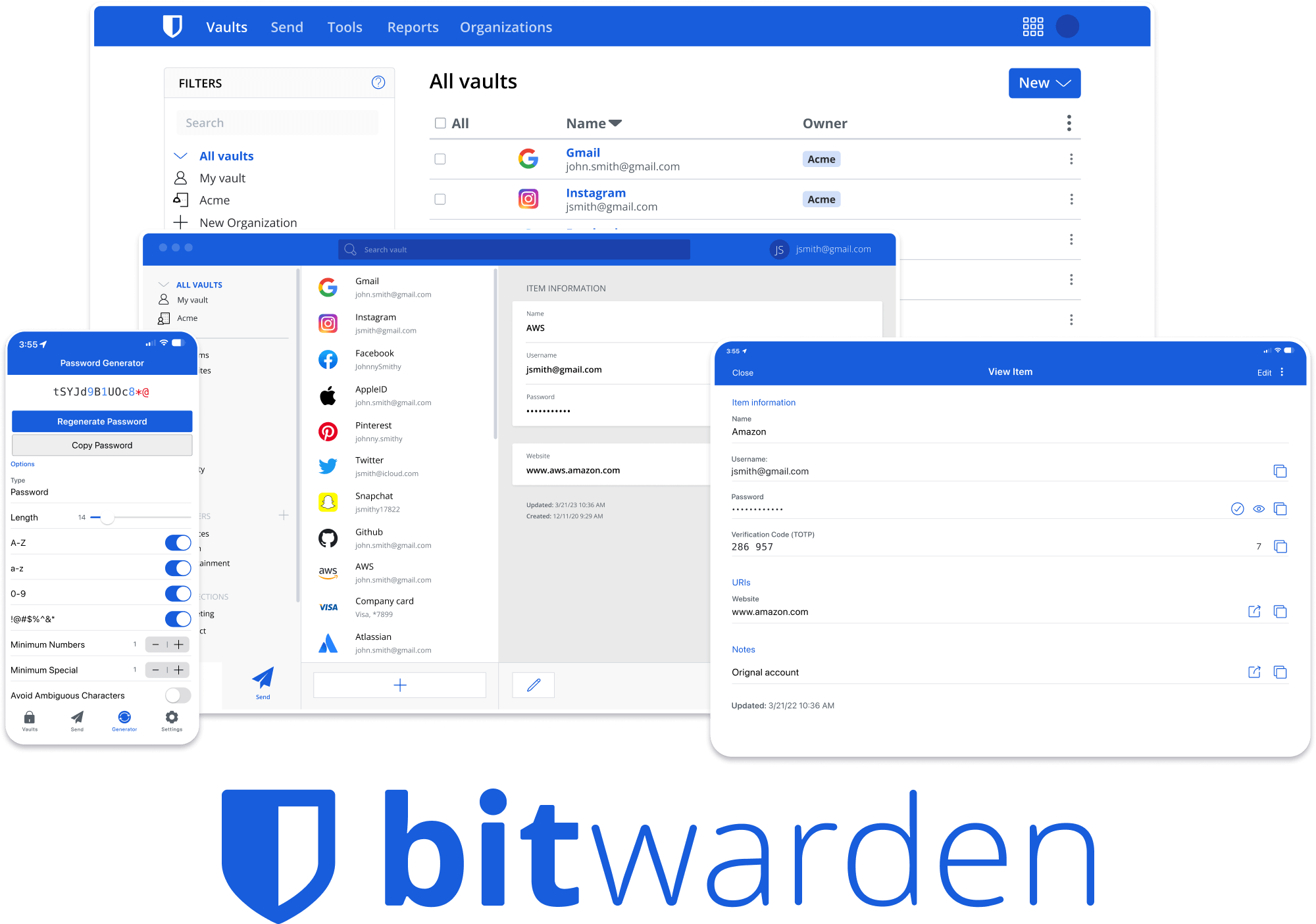





Bitwarden Client Applications
This repository houses all Bitwarden client applications except the mobile applications (iOS | android).
Please refer to the Clients section of the Contributing Documentation for build instructions, recommended tooling, code style tips, and lots of other great information to get you started.
Related projects:
- bitwarden/server: The core infrastructure backend (API, database, Docker, etc).
- bitwarden/ios: Bitwarden iOS Password Manager & Authenticator apps.
- bitwarden/android: Bitwarden Android Password Manager & Authenticator apps.
- bitwarden/directory-connector: A tool for syncing a directory (AD, LDAP, Azure, G Suite, Okta) to an organization.
We're Hiring!
Interested in contributing in a big way? Consider joining our team! We're hiring for many positions. Please take a look at our Careers page to see what opportunities are currently open as well as what it's like to work at Bitwarden.
Contribute
Code contributions are welcome! Please commit any pull requests against the main branch. Learn more about how to contribute by reading the Contributing Guidelines. Check out the Contributing Documentation for how to get started with your first contribution.
Security audits and feedback are welcome. Please open an issue or email us privately if the report is sensitive in nature. You can read our security policy in the SECURITY.md file.