 ab4af7deed
* add end user feature flag

* add initial setup extension component and route

* redirect users from registration completion to the setup extension page

* add `hideIcon` to anon layout for web
- matches implementation on the browser.

* integrate with anon layout for extension wrapper

* add initial loading state

* conditionally redirect the user upon initialization

* redirect the user to the vault if the extension is installed

* add initial copy for setup-extension page

* add confirmation dialog for skipping the extension installation

* add success state for setup extension page

* only show loggedin toast when end user activation is not enabled.

* add image alt

* lower threshold for polling extension

* close the dialog when linking to the vault

* update party colors

* use the platform specific registration service to to only forward the web registrations to `/setup-extension`

* call `super` rather than `/vault` directly, it could change in the future
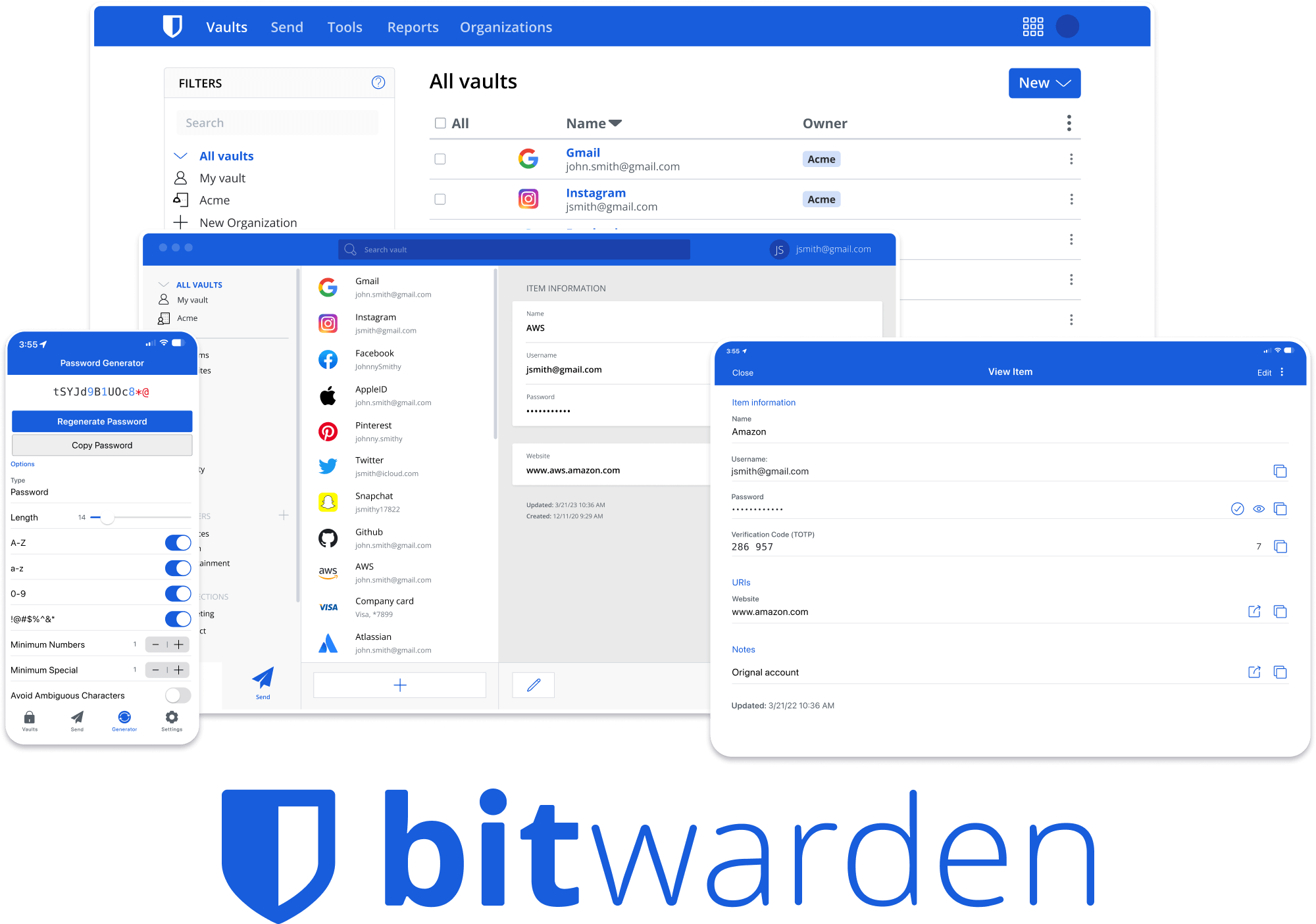





Bitwarden Client Applications
This repository houses all Bitwarden client applications except the mobile applications (iOS | android).
Please refer to the Clients section of the Contributing Documentation for build instructions, recommended tooling, code style tips, and lots of other great information to get you started.
Related projects:
- bitwarden/server: The core infrastructure backend (API, database, Docker, etc).
- bitwarden/ios: Bitwarden iOS Password Manager & Authenticator apps.
- bitwarden/android: Bitwarden Android Password Manager & Authenticator apps.
- bitwarden/directory-connector: A tool for syncing a directory (AD, LDAP, Azure, G Suite, Okta) to an organization.
We're Hiring!
Interested in contributing in a big way? Consider joining our team! We're hiring for many positions. Please take a look at our Careers page to see what opportunities are currently open as well as what it's like to work at Bitwarden.
Contribute
Code contributions are welcome! Please commit any pull requests against the main branch. Learn more about how to contribute by reading the Contributing Guidelines. Check out the Contributing Documentation for how to get started with your first contribution.
Security audits and feedback are welcome. Please open an issue or email us privately if the report is sensitive in nature. You can read our security policy in the SECURITY.md file.