 d3e193c7df
Update the scan operator in _setupReportState to detect organization
changes and handle them differently from same-org updates.

Logic:
1. If organizationId changed -> Use currState.data directly
   - Allows null to clear old org's data when switching
   - Fixes PM-26676: Org data persists when switching orgs

2. If same org (or no orgId) -> Preserve prevState.data when null
   - Maintains critical flags during loading states
   - Fixes PM-27291: Critical flags lost when generating new reports

This resolves the conflict between PR #17008 and PR #17053:
- PR #17008 needed: "Don't clear data when null" (preserve critical flags)
- PR #17053 needed: "Clear data when null" (remove old org data)

Now both behaviors work correctly by detecting the organization context.

Testing:
- Organization switching: Old org data cleared, new org data loads
- Critical apps: Flags preserved across report generation
- Cross-org: Each org maintains its own critical app flags
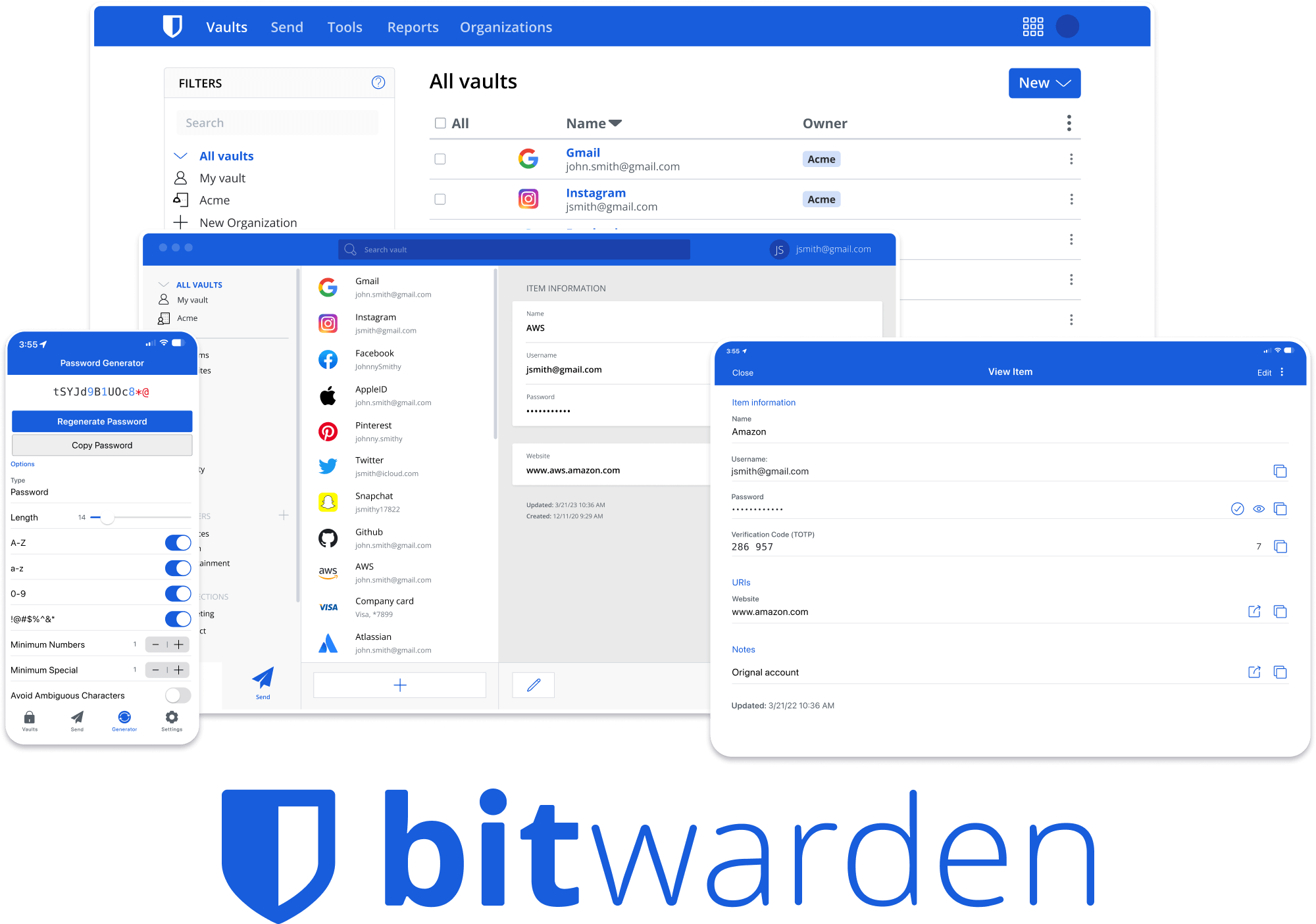





Bitwarden Client Applications
This repository houses all Bitwarden client applications except the mobile applications (iOS | android).
Please refer to the Clients section of the Contributing Documentation for build instructions, recommended tooling, code style tips, and lots of other great information to get you started.
Related projects:
- bitwarden/server: The core infrastructure backend (API, database, Docker, etc).
- bitwarden/ios: Bitwarden iOS Password Manager & Authenticator apps.
- bitwarden/android: Bitwarden Android Password Manager & Authenticator apps.
- bitwarden/directory-connector: A tool for syncing a directory (AD, LDAP, Azure, G Suite, Okta) to an organization.
We're Hiring!
Interested in contributing in a big way? Consider joining our team! We're hiring for many positions. Please take a look at our Careers page to see what opportunities are currently open as well as what it's like to work at Bitwarden.
Contribute
Code contributions are welcome! Please commit any pull requests against the main branch. Learn more about how to contribute by reading the Contributing Guidelines. Check out the Contributing Documentation for how to get started with your first contribution.
Security audits and feedback are welcome. Please open an issue or email us privately if the report is sensitive in nature. You can read our security policy in the SECURITY.md file.